Build Your Own Personal Dashboard App with AI
A full-featured personal dashboard app you can build and run locally. Start with tasks, notes, calendar and time tracking in one workspace — then use AI to expand it into a system that fits your needs.
Features
A flexible dashboard designed to organize your work, thinking, and time in one place — fully customizable to fit how you actually work.
- Month, Week, and Agenda views
- Recurring events and calendar lists
- Built-in daily journal
- Import/export with Google Calendar
- Rich styling with colors, backgrounds, and images
- Switch between visual editor, HTML source, or Markdown
- Reusable note templates
- Insert tables and structured content easily
- Subtasks and hierarchy
- Drag-and-drop ordering
- Due dates and recurrence
- Tags for filtering and organization
- Today, Week, and Schedule views
- Reusable activity templates
- Tag-based coloring
- One-click Add to Calendar
- Time usage charts
- Configurable metric cards
- Track trends and progress over time
- Sticker library with automatic PDF/image extraction
- Categorize and insert stickers instantly into notes
- Define and reuse your custom color palettes
Why This Is Different
Notion and Trello are great tools — but they’re still someone else’s platform. This is a dashboard you can build, own, and extend.
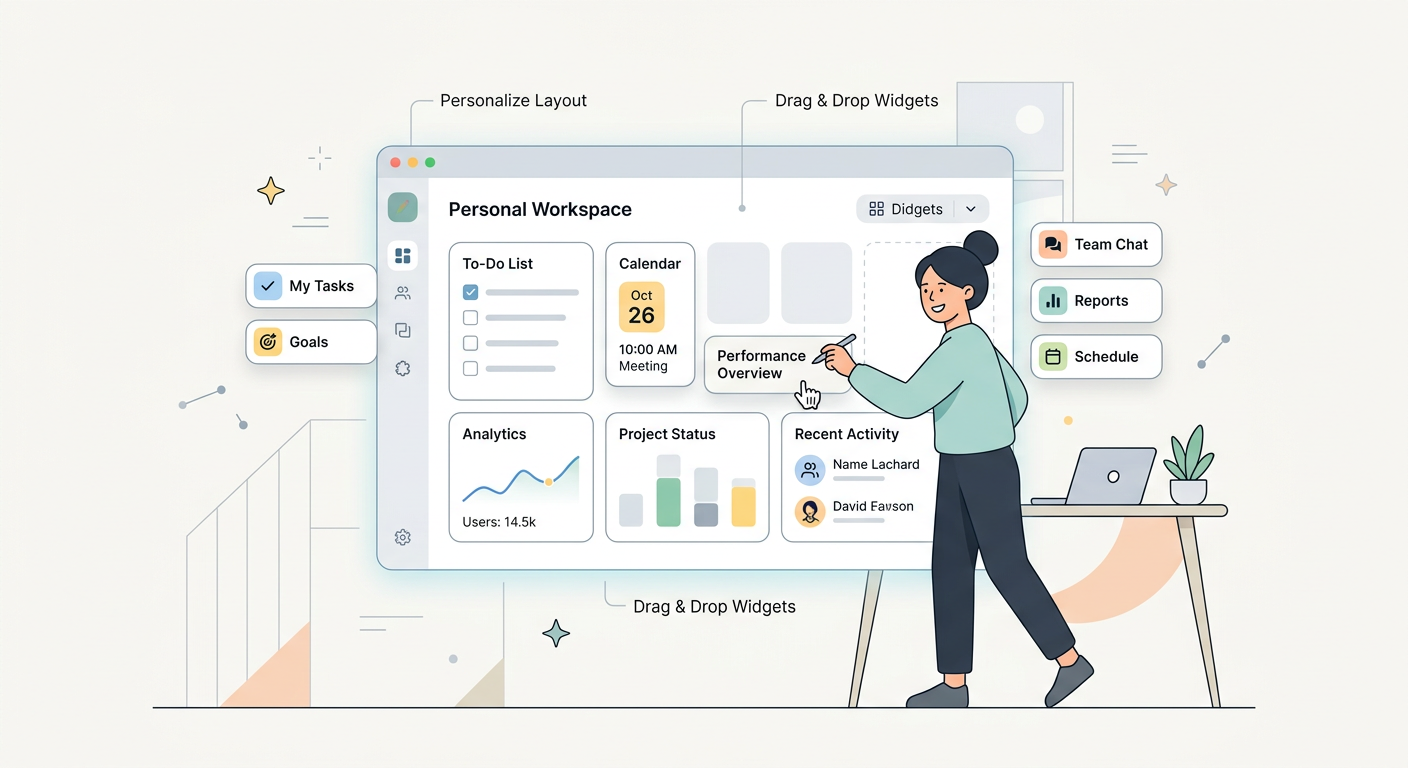
- Customize widgets, layouts, and data model
- Self-host or run locally
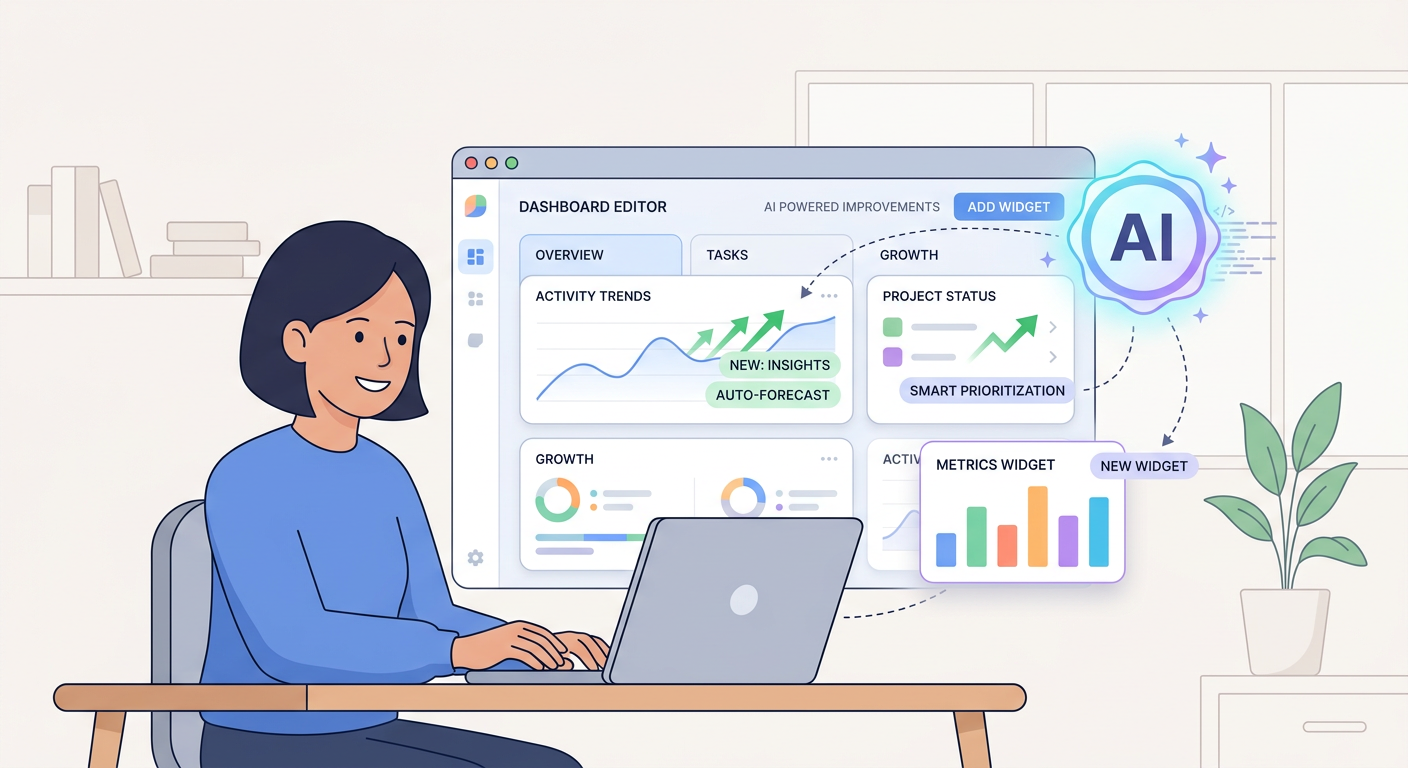
- Step-by-step prompts with acceptance checks
- Iterate fast without rewriting from scratch
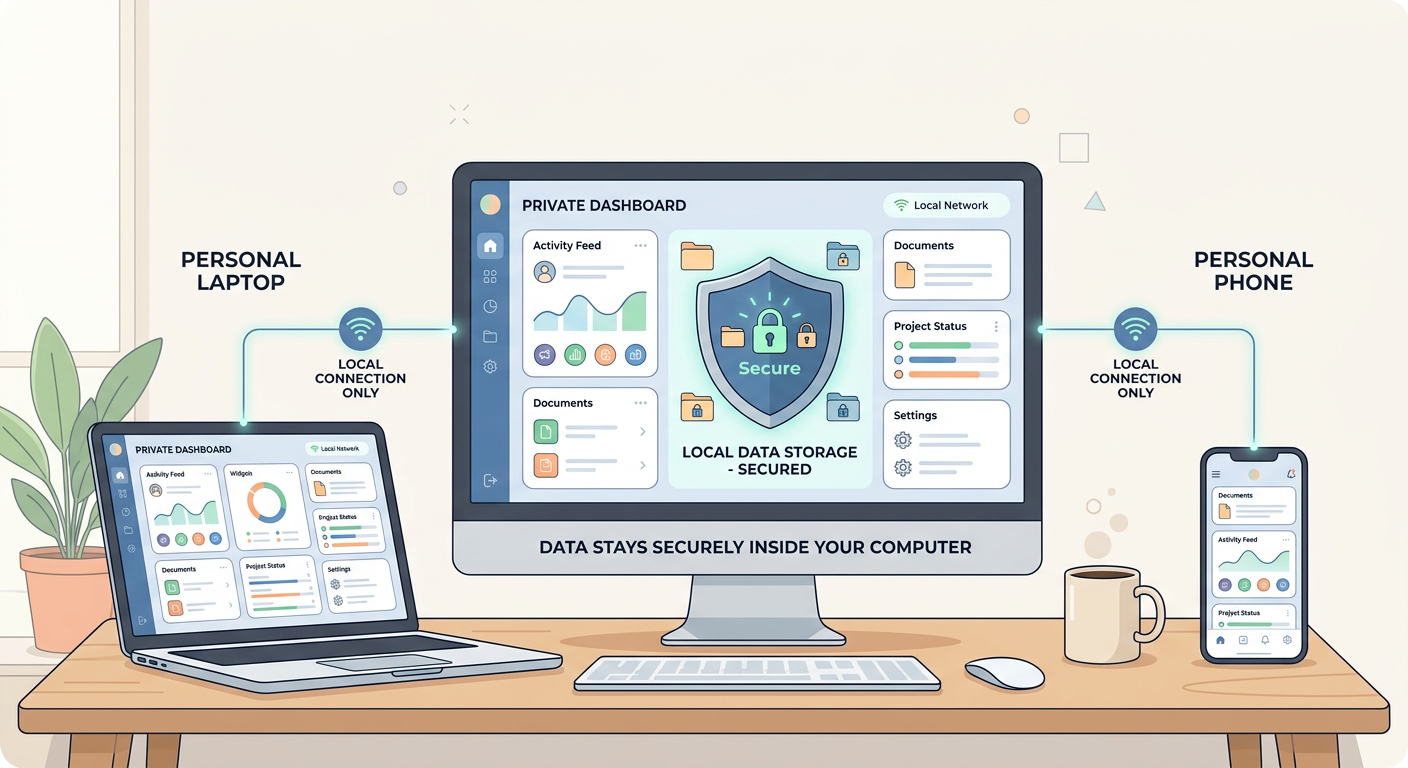
- No vendor lock-in
- You control data, backups, and exports
Products
Two ways to get the full PD Dashboard: rebuild with prompts, or start from the ready-to-run codebase.
- 13 prompts, 42 screenshots, each with acceptance checks
- Mutli-dashboards + widget grid + autosave
- Notes, tasks, tags, calendar with journal, time tracker
- Rich-text editor with HTML/Markdown support everywhere
- Stickers auto-import + color themes by dashboard
- Frontend + backend + DB schema
- Production-ready foundation
- Skip the boilerplate
- Customize everything with AI
- Free core feature updates included
Custom development is available — want a branded version, extra features, hosting help, or integrations? Contact for custom development.
Screenshots
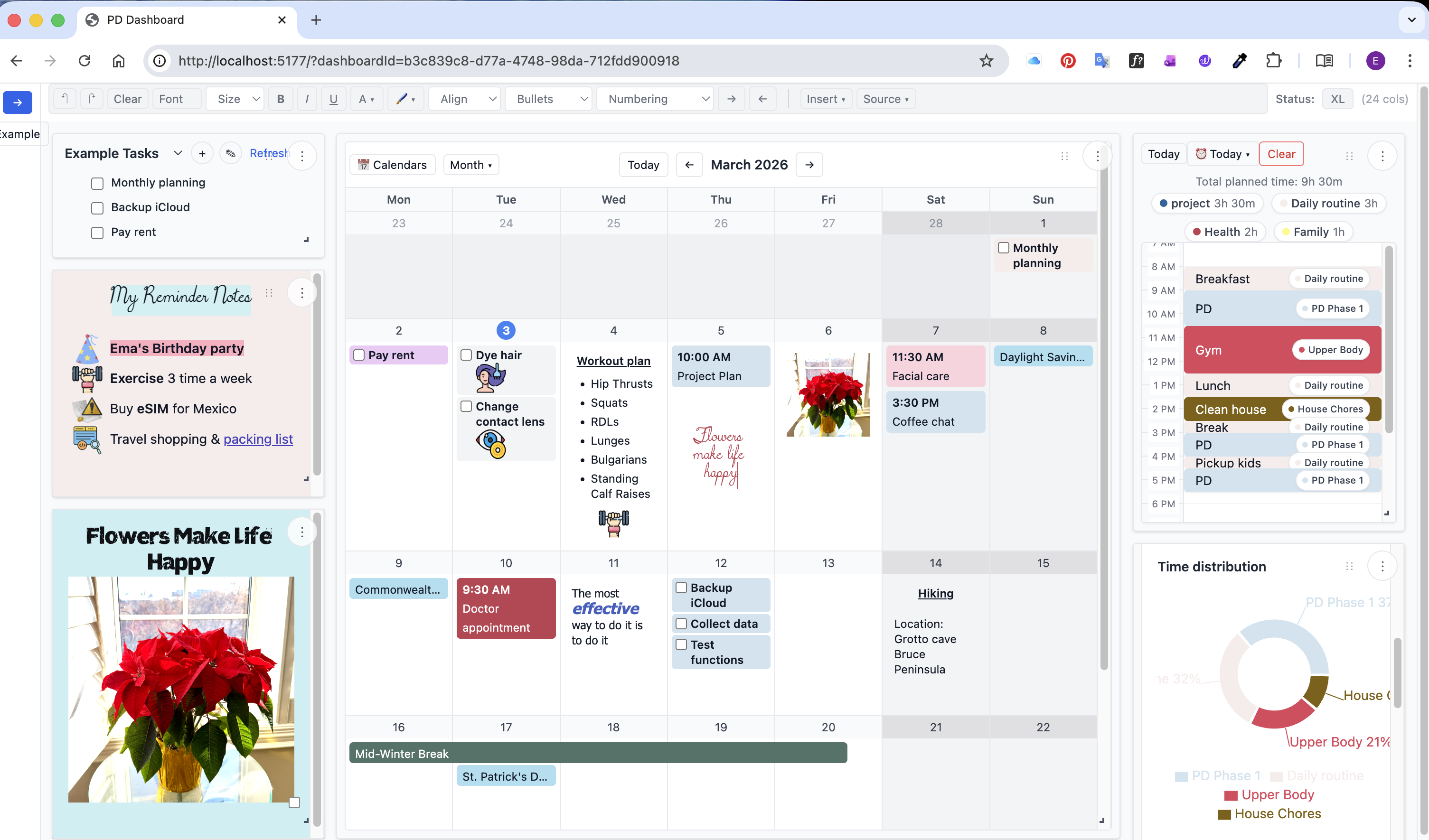
These are the UI references used to match layout and behaviors. More are available in the
Screenshot gallery.
For a full walkthrough, see the YouTube tutorial.
How delivery works
Payments are handled by Stripe. Once your payment is complete, you’ll be automatically redirected to the download page (/download.html) to access your files instantly.
No account required. Instant access after purchase.
download.html. If you need access control, add a backend gate later.